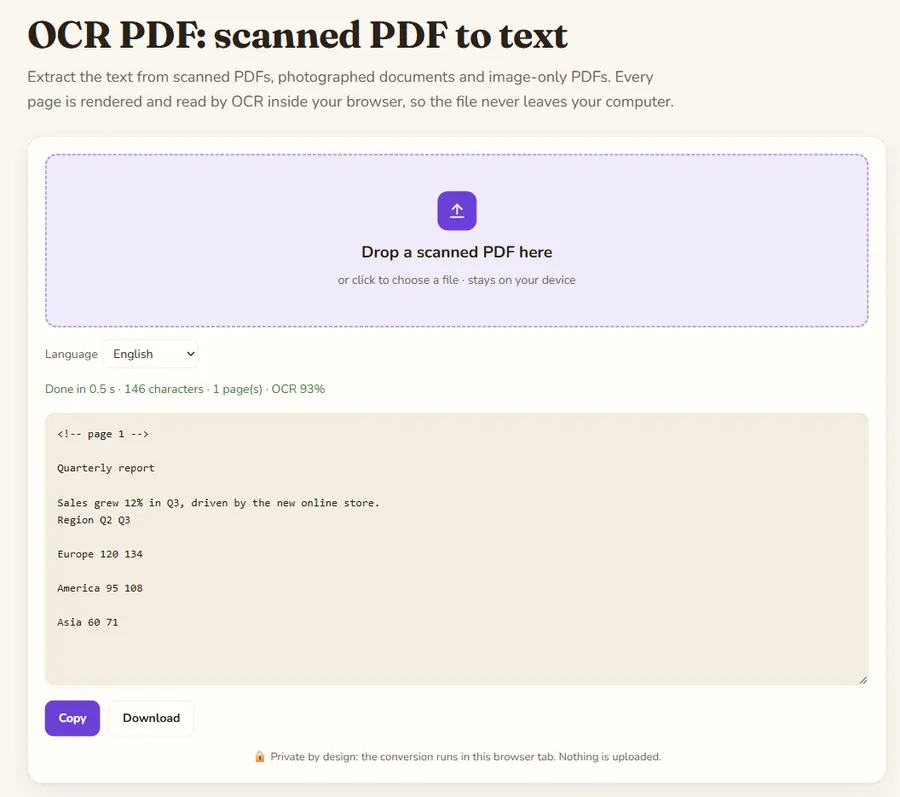
Extract the text from scanned PDFs, photographed documents and image-only PDFs. Every page is rendered and read by OCR inside your browser, so the file never leaves your computer.
OCR PDF: scanned PDF to text is a free online tool by Hack the Hydra. Free OCR for scanned PDFs: extract text from every page in your browser. 7 languages, no upload, no sign-up, no page limit.
How it works
pdf.js renders each page at about 200 DPI, then Tesseract OCR reads it in your browser. Text PDFs do not need this: use the PDF to Markdown converter instead, which is instant and keeps headings.
How long does it take?
Roughly a few seconds per page on a recent computer, depending on page size and language. Long documents work, just keep the tab open.
Better accuracy
Choose the document language, and use clean scans (around 300 DPI, straight, good contrast). See the OCR accuracy guide for more tips.
Example
A one-page scanned PDF with no text layer (selecting text in a PDF viewer gives nothing). Each page is rendered and read by OCR; a page marker is added so you can find page boundaries.
Input
(scanned PDF, 1 page, image only)
Invoice 2026-0142
Total due: 1,250.00 EUR
Payment within 30 days.
Output
<!-- page 1 -->

Invoice 2026-0142
Total due: 1,250.00 EUR
Payment within 30 days.
How to use
- Drop your file in the box above, or click to pick it.
- Wait a few seconds while it converts locally.
- Copy the result or download it.
FAQ
Is it really free with no page limit?
Yes. The OCR runs on your own computer, so there is no server cost and no limit.
Is my PDF uploaded?
No. pdf.js and Tesseract run as JavaScript and WebAssembly in your browser tab.
Can I search the PDF afterwards?
This tool extracts the text. For automated batches with headings and tables, use the API, which OCRs only the pages that need it.
Which languages are supported?
English, French, German, Spanish, Italian, Portuguese and Dutch.
Guides
Bulk conversion API
Need hundreds of PDFs, scanned PDFs (OCR) or real Markdown tables? Use the API: $3 per 1,000 PDFs, failed files free. Open the API →
curl -X POST "https://api.apify.com/v2/acts/extas_corp~pdf-to-markdown/run-sync-get-dataset-items?token=YOUR_TOKEN" \
  -H "Content-Type: application/json" -d '{"pdfUrls":[{"url":"https://arxiv.org/pdf/1706.03762"}]}'
Use it via API, with a free plan: Document to Markdown API (RapidAPI) · Apify
 Hack the Hydra