 Hack the Hydra
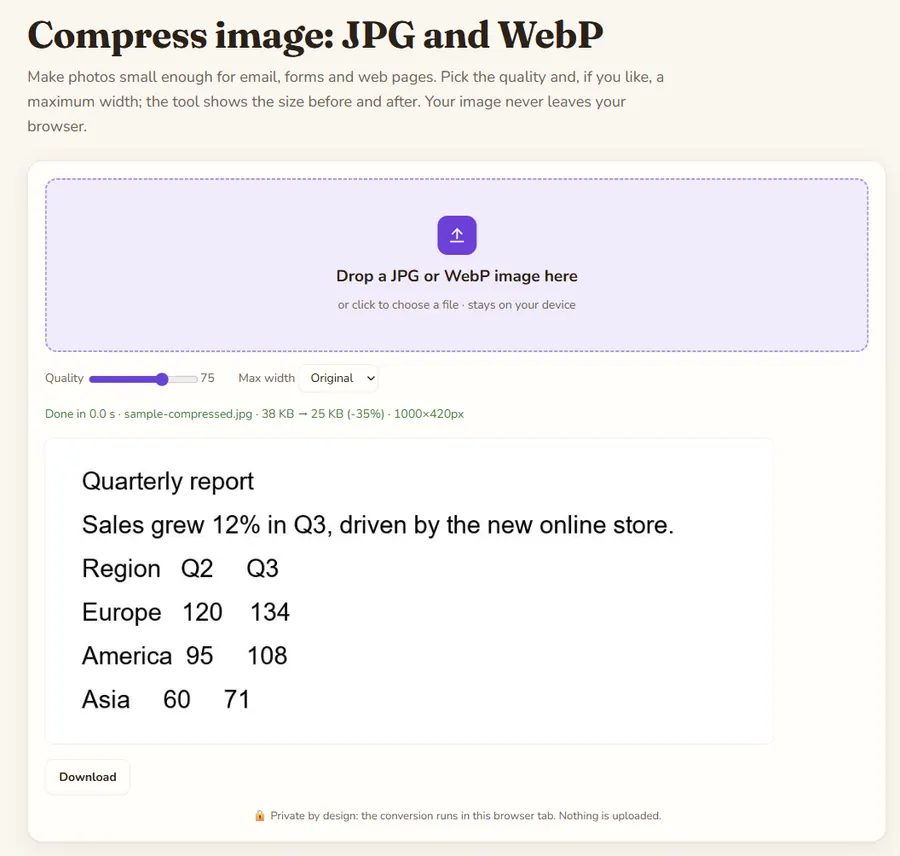
Key facts
| Input formats | JPG and WebP |
|---|---|
| Size limit | 100 MB per file (checked in the browser) |
| Where it runs | In your browser with the built-in image canvas; the file is not uploaded and no library is downloaded |
| Cost | Free, no sign-up |
| Output | A JPG (a WebP if you upload a WebP), lower quality and optional maximum width; the page tells you if the result is larger than the original |
| Options | Quality 30 to 95 (default 75) |
The two things that shrink an image
Quality controls how aggressively the pixels are compressed, and the maximum width controls how many pixels there are. A 12-megapixel phone photo scaled to 1920 px wide at quality 75 often drops from several MB to a few hundred KB with no visible difference on a screen.
Recommended settings
Quality 75 and 1920 px for web pages and email. Quality 85 and the original width if you still want to print. Quality 60 and 1280 px for upload limits like 200 KB on government and job forms.
Formats
JPG files are saved as JPG and WebP files as WebP. If a result comes out larger than the original, which happens with images that were already well compressed, the tool tells you so: lower the quality or width, or keep the original.