 Hack the Hydra
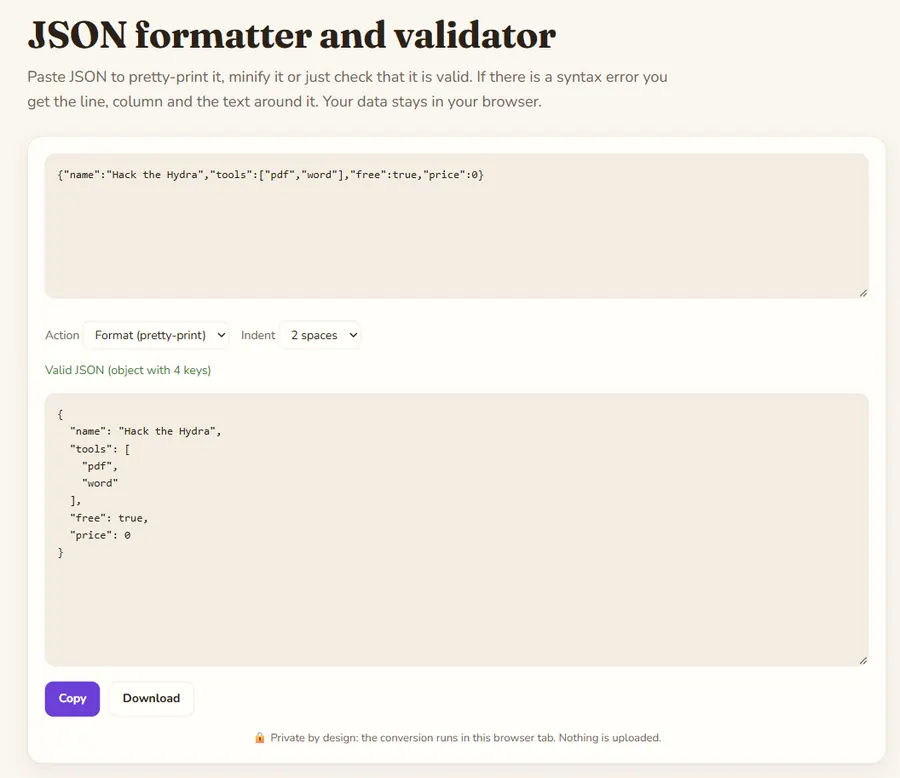
Reading the error message
When parsing fails, the tool reports the line and column of the first problem and shows the text around it. The error is usually at, or just after, the character that does not belong. The most common causes are a trailing comma after the last item, single quotes instead of double quotes, unquoted keys, a missing comma between items and comments, none of which strict JSON allows.
What formatting does and does not change
Formatting re-serializes the parsed data, so whitespace changes but values do not. Key order is preserved. Be aware that numbers outside JavaScript's safe integer range (above 9,007,199,254,740,991) are rounded when parsed, so do not run IDs of that size through any browser-based formatter if they must stay exact.
Format, minify or validate?
Format when you want to read or diff JSON. Minify to shrink a payload for a request body, a config embedded in HTML or a URL parameter. Validate to just confirm the document is well-formed, for example before committing a config file. Everything runs locally, so API responses containing tokens or personal data are safe to paste.
Example
Minified JSON from an API, pretty-printed and validated.
Input
{"name":"Ada","skills":["math","code"],"active":true}Output
{
  "name": "Ada",
  "skills": [
    "math",
    "code"
  ],
  "active": true
}