Hack the Hydra

PDF to JPG converter

Turn the pages of a PDF into JPG images for slides, social posts or previews. A one-page PDF gives a single .jpg; a longer one gives a zip with one image per page. Your PDF stays in your browser.

🔒 Private by design: the conversion runs in this browser tab. Nothing is uploaded.

PDF to JPG converter is a free online tool by Hack the Hydra. Convert each PDF page to a JPG image in your browser. One page gives a .jpg, several pages download as a zip. Free, no upload, no sign-up.

100% freeNo upload: runs in your browserNo sign-up
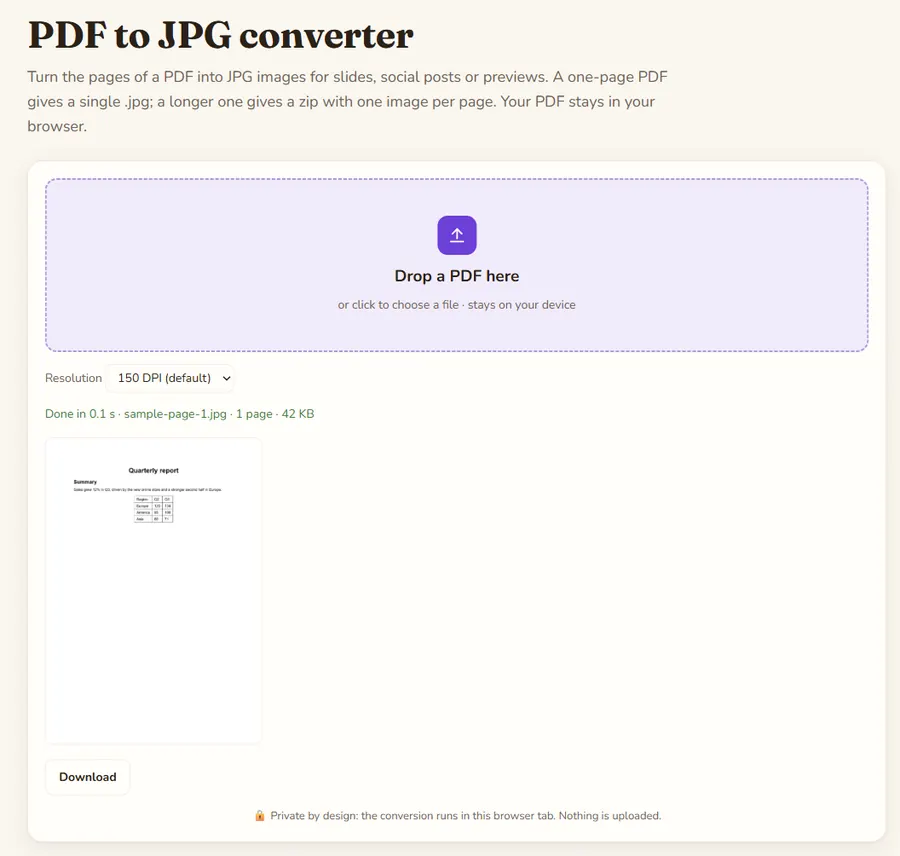
PDF to JPG converter: the tool with a sample file converted

Key facts

Input formatsPDF (password-protected PDFs are not opened)
Size limit100 MB per file (checked in the browser)
Where it runsIn your browser with pdf.js 4.10.38 and JSZip 3.10.1; the file is not uploaded (the library itself is downloaded from a CDN)
CostFree, no sign-up
OutputOne JPG per page (quality 90 %, white background); a zip when the PDF has several pages
OptionsResolution 96, 150 (default), 200 or 300 DPI

Choosing the resolution

150 DPI suits screens and presentations. Use 96 DPI for small thumbnails and 300 DPI when the images will be printed; a larger value gives bigger files and takes longer. The page is drawn on a white background, because JPG has no transparency.

Output files

Pages are named after your file: contract-page-1.jpg, contract-page-2.jpg and so on. A single page is downloaded directly, several pages come as one zip so your browser asks for only one download.

Text or image?

JPG is a picture of the page: the text is no longer selectable. If you want the words, use PDF to Text or PDF to Markdown. For scanned pages, OCR PDF reads the text from the images.

How to use

  1. Drop your file(s) in the box above, or click to pick them.
  2. The result is built locally in a second or two.
  3. Click Download to save it.

FAQ

How do I save a PDF page as a JPG?

Drop the PDF, pick a resolution and download. For a one-page PDF you get the .jpg directly.

What happens with multi-page PDFs?

Each page becomes its own JPG and all of them are packed into one zip file.

Which resolution should I choose?

150 DPI for screens, 300 DPI for print. Higher values make larger files.

Is there a page limit?

No limit, but very long documents at 300 DPI use a lot of memory. Lower the resolution if the tab slows down.

Is my PDF uploaded?

No. pdf.js draws the pages in your browser tab.

Guides

More free converters

PDF to Markdown converterOCR PDF: scanned PDF to textImage to text (OCR)Word (DOCX) to Markdown converterExcel & CSV to Markdown tablesHTML to Markdown converterPowerPoint (PPTX) to Markdown converterJSON to Markdown tablePDF to text converterExcel to JSON converterMarkdown to HTML converterMerge PDF filesSplit PDF: extract pagesRotate PDFJPG to PDF converterImage converter: PNG, JPG, WebPCompress image: JPG and WebPQR code generatorWord counterCase converterJSON formatter and validatorBase64 encode and decodeURL encoder and decoderUUID v4 generatorStrong password generatorLorem ipsum generatorJSON to CSV converterRemove duplicate linesUnix timestamp converterJSON to YAML converterText diff checkerImage resizerPercentage calculatorAge calculatorHash generator (SHA-256, SHA-1, SHA-512)Color converter: HEX, RGB, HSLDays between dates calculatorYAML to JSON converterUnit converterJWT decoderBinary, hex, decimal and octal converterRoman numeral converterRegex testerCron expression explainerPDF to Markdown for ChatGPTPDF to Markdown for ClaudePDF to Markdown for RAG pipelinesPDF to Markdown for ObsidianPDF to Notion (via Markdown)Screenshot to textFrench OCR: image to textCSV to Markdown tableGoogle Docs to MarkdownJPG / JPEG to text (OCR)PNG to text (OCR)CSV to JSON converterPNG to JPG converterJPG to PNG converterWebP to PNG converter