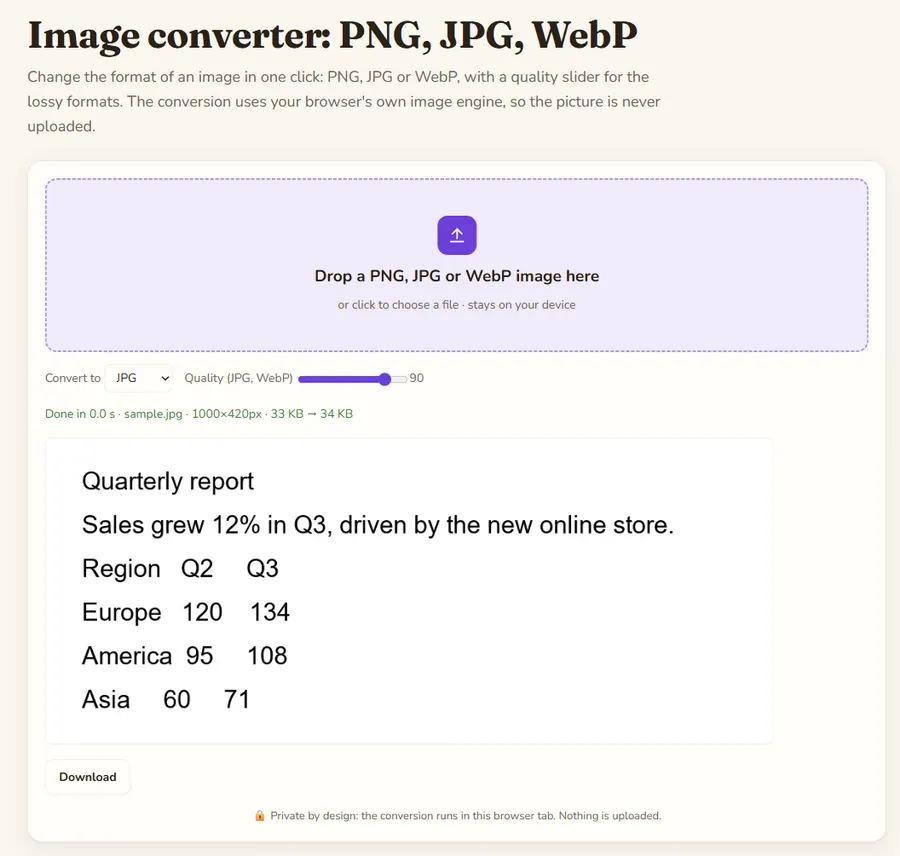
Change the format of an image in one click: PNG, JPG or WebP, with a quality slider for the lossy formats. The conversion uses your browser's own image engine, so the picture is never uploaded.
🔒 Private by design: the conversion runs in this browser tab. Nothing is uploaded.
Image converter: PNG, JPG, WebP is a free online tool by Hack the Hydra. Convert images between PNG, JPG and WebP in your browser with a quality slider. Free, private, no upload, no sign-up, no watermark.
100% freeNo upload: runs in your browserNo sign-up
Key facts
Input formats
PNG, JPG and WebP
Size limit
100 MB per file (checked in the browser)
Where it runs
In your browser with the built-in image canvas; the file is not uploaded and no library is downloaded
Cost
Free, no sign-up
Output
PNG, JPG or WebP (a JPG gets a white background because it has no transparency)
Options
Quality 40 to 100 (default 90) for JPG and WebP
Which format when?
PNG is lossless and supports transparency, ideal for logos, screenshots and graphics with text. JPG is smaller for photos but cannot be transparent. WebP is usually 25 to 35 percent smaller than JPG at similar quality and supports transparency, and every current browser can show it.
The quality slider
Quality applies to JPG and WebP; PNG is always lossless. Around 80 to 90 is a good balance for photos: the file shrinks a lot and the loss is hard to see. Change the slider and the image is converted again, with the new file size shown right away.
Transparency
When you convert a transparent PNG or WebP to JPG, transparent areas are filled with white, since JPG cannot store transparency. Convert to PNG or WebP to keep it.
How to use
Drop your file(s) in the box above, or click to pick them.
The result is built locally in a second or two.
Click Download to save it.
FAQ
Does converting reduce quality?
Converting to PNG is lossless. Converting to JPG or WebP is lossy, so keep the original and choose a high quality value when it matters.
Is my image uploaded?
No. The conversion happens in your browser with the canvas API.
Can I convert several images at once?
Not yet; drop them one by one. Each conversion takes a fraction of a second.
Is the original resolution kept?
Yes. Width and height stay the same; only the format and compression change.
Why is my PNG bigger than the JPG?
PNG stores every pixel without loss, so photos become large. Use JPG or WebP for photographs.
 Hack the Hydra