 Hack the Hydra
Key facts
| Input formats | Images: JPG and PNG are embedded as they are; WebP, GIF, BMP and others are redrawn as PNG if the browser can read them |
|---|---|
| Size limit | 100 MB per file (checked in the browser) |
| Where it runs | In your browser with pdf-lib 1.17.1; the file is not uploaded (the library itself is downloaded from a CDN) |
| Cost | Free, no sign-up |
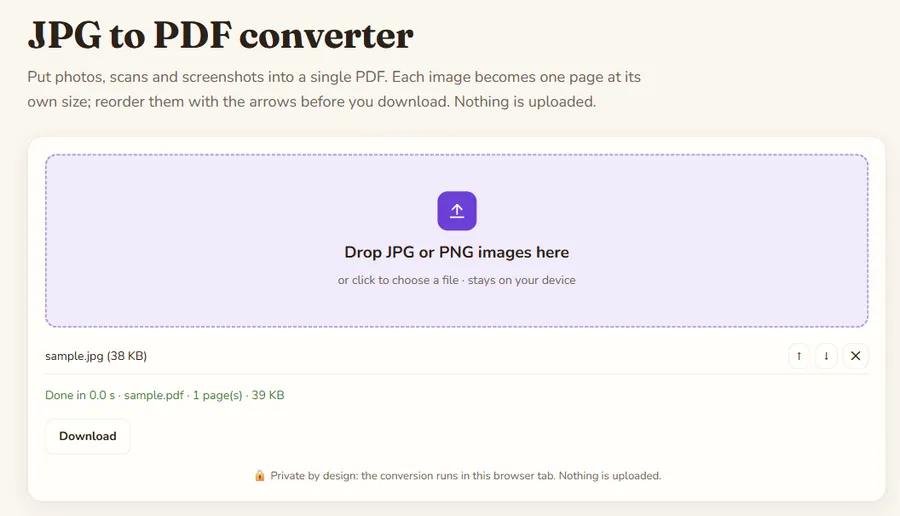
| Output | One PDF with one page per image, each page the size of its image |
One image per page
Every image gets its own page, and the page takes the size of the image so nothing is cropped or stretched. JPG images are embedded without re-compression, so a 3 MB photo adds about 3 MB to the PDF. PNG, and also WebP, are supported too.
Typical uses
Combine receipts for an expense report, turn phone photos of a signed contract into one attachment, or build a document from screenshots. Put the pages in order with the up and down arrows; the PDF is rebuilt after every change.
Photo orientation
The page shows the image the way it is stored in the file. A phone photo that carries an "rotate on display" tag instead of rotated pixels can appear sideways; if so, rotate the final PDF with the Rotate PDF tool.