 Hack the Hydra
Best PDF to Markdown tools (2026 comparison)
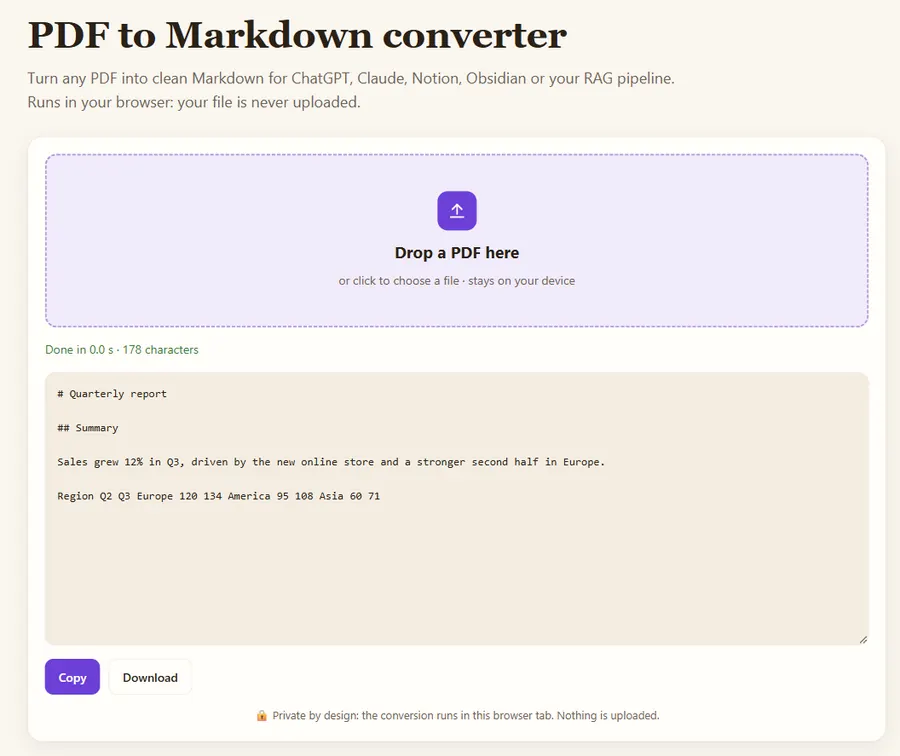
Short answer: for a one-off file, use a free browser converter such as Hack the Hydra (no install, no upload). For best layout fidelity on complex documents, use Docling (MIT) or Marker (GPL-3.0 code, separate model license), which use ML layout models but need Python and benefit from a GPU. For simple, permissive-license pipelines, MarkItDown (MIT) handles many formats. For bulk conversion without running infrastructure, use a hosted pay-per-use API.
Free PDF to Markdown converter →
Comparison table
| Tool | Type | License | OCR for scans | Tables | Best for |
|---|---|---|---|---|---|
| Hack the Hydra browser converter | Web, in-browser | Free to use | Separate image OCR tool | Text only | Quick one-off conversions, privacy |
| Hack the Hydra PDF API (Apify) | Hosted API | Pay per use ($3 / 1,000 PDFs) | Yes (Tesseract, 7 languages) | Ruled tables → Markdown tables | Bulk, automation, no infrastructure |
| Docling (IBM) | Python library | MIT | Yes | Yes (ML table model) | High-fidelity parsing, self-hosted |
| Marker | Python library | GPL-3.0 code; model weights under a separate license | Yes | Yes | Books and papers, GPU available |
| MarkItDown (Microsoft) | Python library | MIT | Via plugins / Azure | Basic | Many formats (Office, HTML, PDF) in one tool |
| PyMuPDF4LLM | Python library | AGPL-3.0 (commercial license available) | With Tesseract | Yes | Fast local extraction |
| Pandoc | CLI | GPL-2.0+ | No | — | Converting between markup formats (it does not read PDF input) |
How do you choose a PDF to Markdown tool?
- Licensing matters if you ship a product: AGPL and GPL tools have obligations that MIT tools do not.
- Scanned PDFs need OCR. Check how many of your documents have no text layer before choosing.
- Tables are where tools differ most. Test on your own worst document, not on a clean paper.
- Throughput: ML-based parsers are slower on CPU. Rule-based extractors are fast but less faithful on complex layouts.
A simple evaluation method
Take 10 representative PDFs, convert them with two or three candidates, and ask your LLM the same 20 questions over each output. Count correct answers. This measures what you actually care about, which is downstream answer quality, not visual fidelity.
Which tool fits which situation?
- "I have one PDF and want Markdown now." A browser converter. Nothing to install, and the file never leaves your computer.
- "I am building a RAG pipeline over a few thousand mixed PDFs." Docling or Marker if you can run Python with a GPU and want the best layout; a hosted API if you would rather not maintain the infrastructure.
- "My documents are mostly Word, PowerPoint and HTML, with a few PDFs." MarkItDown covers all of them with one MIT-licensed tool.
- "I ship a commercial product." Read the licenses first: AGPL (PyMuPDF) and GPL (Marker code) have obligations that MIT (Docling, MarkItDown) does not.
- "Half my files are scans." Pick a tool with built-in OCR, and check the OCR language setting before you judge the output.
What should you check in the output?
Open the Markdown of your hardest document and check five things:
- Reading order on two-column pages: does the left column finish before the right one starts?
- Headings: are chapter and section titles marked with # and ##, or are they plain lines?
- Tables: are rows and columns kept, or flattened into a line of numbers?
- Noise: page numbers, running headers and footers repeated on every page.
- Broken words: hyphenation at line ends ("conver- sion") and ligatures turned into odd characters.
Headings and tables matter most for LLM use, because they decide how the text is split into chunks and whether numbers keep their labels.
FAQ
What is the best free PDF to Markdown converter?
For a single file, a browser-based converter like Hack the Hydra is free and private. For self-hosting, Docling and MarkItDown are free and MIT-licensed.
Can Pandoc convert PDF to Markdown?
No. Pandoc can write PDF but cannot read PDF as input. Use a PDF-specific extractor first.
Which tool handles scanned PDFs?
Tools with OCR: Docling, Marker, PyMuPDF4LLM with Tesseract, or the Hack the Hydra API, which OCRs pages without a text layer automatically.
Last updated: November 2026. Facts about third-party tools come from their public repositories and documentation. Check licenses before commercial use.